
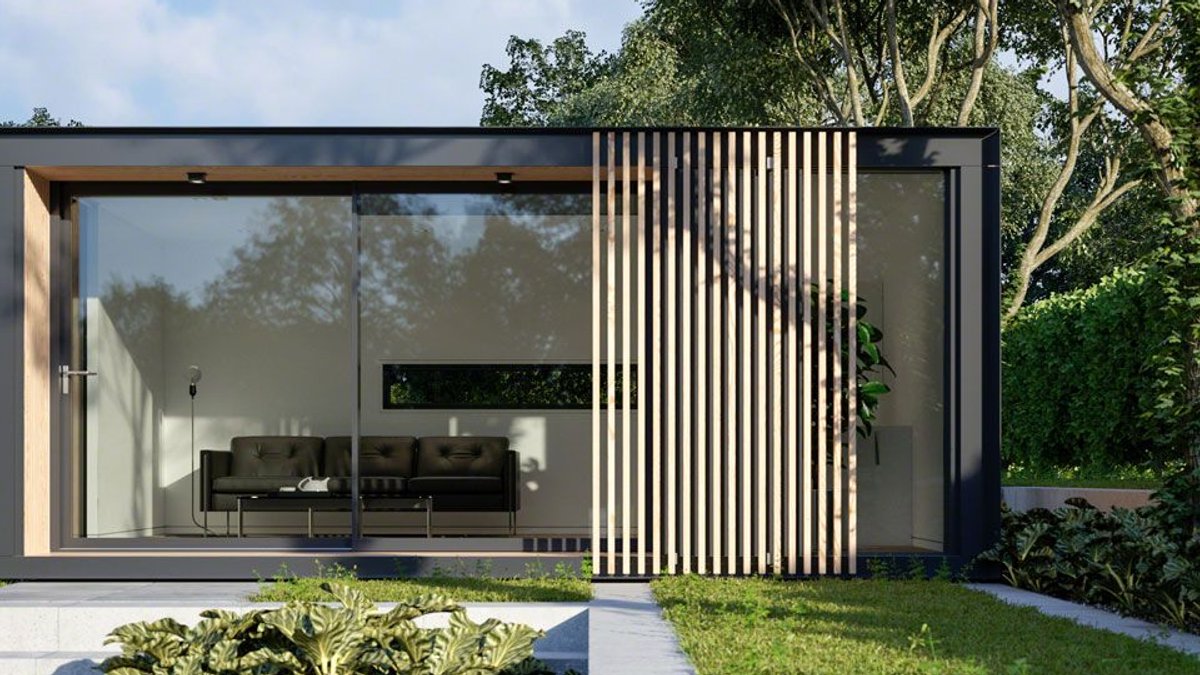
A garden room can be a great space for relaxation, work or entertainment, but not without the internet. Yet the standard router inside the house rarely delivers a usable signal beyond the back door.
Wi-Fi routers operate at low power to help prevent competition between routers in urban areas. By design, their transmissions don’t have the power to persist across long distances or pass through lots of obstacles. Even without obstacles, Wi-Fi signals become exponentially weaker with distance. Each Wi-Fi frequency band has a further drawback. The 2.4 GHz range overlaps with the frequencies used by microwave ovens, which can disrupt nearby devices. The 5 GHz range is immune to a leaky microwave but is more affected by obstacles and less likely to penetrate the furthest reaches of a house or garden.
A signal reaching a garden room is often too weak to stream video, let alone handle video calls or large file transfers.
Quick fixes for indoor coverage
Inside the house, a Wi-Fi booster or range extender offers the simplest solution. A booster connects to the router with a cable and creates a second wireless network. An extender repeats the existing signal wirelessly. Many devices perform both functions, though a wired connection typically delivers better performance.
Powerline adapters provide another option. One unit plugs into a power socket near the router and connects via a short cable. A second unit goes where coverage is needed. The two communicate over the home’s electrical wiring, eliminating the need for new network cables.
Related: Fiddle leaf fig care mistakes to avoid
Mesh Wi-Fi systems expand this concept. Multiple units work together to form a single, seamless network. Devices switch to the strongest signal automatically as users move around. Some internet service providers include mesh units in certain packages, often under a “Wi-Fi guarantee.”
Extending coverage to the garden
Outdoor use introduces complications. Most networking equipment isn’t weatherproof. Even when the device itself is sheltered, power connections must be protected from rain, condensation, and direct sunlight.
Wireless extenders rarely work well outdoors. The signal from the router is already weak by the time it reaches the garden, so repeating it usually doesn’t help. A wired connection—either through an Ethernet cable or Powerline networking—proves more reliable. Powerline adapters function only if the garden room shares the same electrical circuit as the house. If the room has its own fuse box or the property uses three-phase power, the connection may not work at all.
For a permanent solution, the best approach involves laying armored network cables alongside power lines during construction. Cat 6a cables support higher speeds and future upgrades. Digging trenches for cables after building is expensive and disruptive.
If cables aren’t feasible, a wireless extender with directional antennas can improve coverage. A booster mounted on an exterior wall of the house can beam a signal toward the garden room. The extender there picks it up and rebroadcasts it. Performance declines over distance, but careful placement and high-gain antennas can enhance stability. This setup still doesn’t match a wired connection but may suffice for basic use.
Related: Harry Potter star cuts retreat price
Some homeowners choose a separate mobile broadband connection. Satellite broadband offers another alternative, though it often includes data caps and higher latency, making it less suitable for video calls or online gaming.
The trade-off with any separate connection is network isolation. Devices in the garden room won’t automatically access printers, network drives, or other shared resources in the house. A virtual private network (VPN) can bridge the two networks, but setting one up requires technical knowledge.
Latency also matters. Satellite connections can feel slow. For most work and entertainment, this isn’t a problem. Fast-paced online games, however, may experience lag.
Powerline adapters cost little, so testing them before investing in pricier solutions makes sense. If they fail, the next step is usually a wireless extender or a separate broadband connection. For those who spend hours in the garden room daily, the upfront cost of laying cables may justify the long-term reliability.


